
Author: admin
-
GamiPress Triggers
Intro These are the events that trigger GamiPress events. Events BuddyPress BuddyPress Activity BuddyPress Friendships BuddyPress Groups BuddyPress Messages BuddyPress Profile Elementor Forms GamiPress Jetpack Multimedia Content Creation Multimedia Content Interactions Site Interactions Vimeo WP Ulike WP Ulike and BuddyPress WP Ulike and bbPress WPForms WordPress Youtube bbPress
-
Add Media Link to User Profile in Menu with rtMedia
Intro In order to have a menu item in the User Nav Menu going to the Media page in the User Profile, you have to add a custom link in the menu: /members/me/media In order to get the link to work, you need to add the following to your functions.php: This can be found on…
-
Attributions
Intro These are the attributions for images used on this site to credit the original author. Most of the images are modified versions of the originals, so there is an explanation accompanying each image to tell how it was used. Badges This image is used for a site badge. These are used as templates for…
-
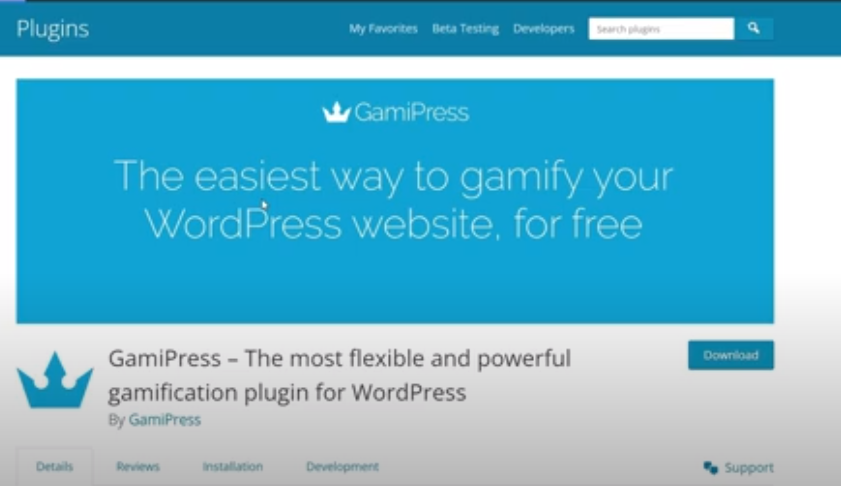
Set Up GamiPress
Intro To set up Gamipress, install and activate the plugin. You’ll also want to install the AutomatorWP plugin to have triggers and events. This way, you can have GamiPress events act as a trigger for WordPress events. AutomatorWP is talked about at around the 10:00 mark in the following Youtube video.
-
Remove Dashboard Access
Intro If you want to limit access to the WordPress Dashboard based on user role, you can do so with either code or a plugin. With Code You can put the following code in your functions.php file to limit Dashboard access to only admins. More info can be found here and here. You can change…
-
Transparent Container in Member Activity on Mobile
When you are looking at the member’s activity on mobile, the outer container if white to match the menus on the desktop version. On mobile, the white container background looks better transparent with this CSS: And for not using BuddyX vertical tabs: and for desktop
-
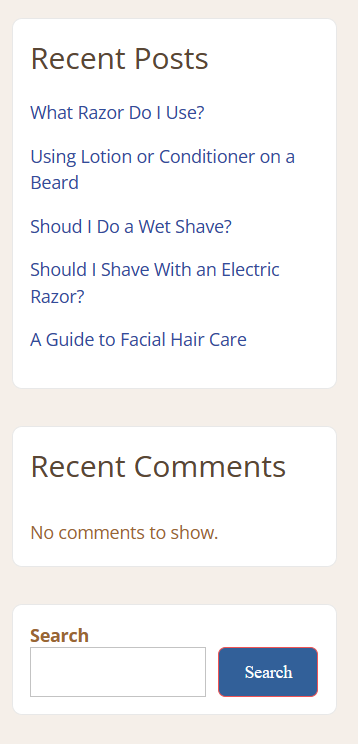
Custom Widgets with Code
Below are examples of Custom Widgets created in the Widgets panel in Customization that came with BuddyX Theme for future reference. To make these widgets, Recent Posts Recent Comments Search Archives Categories
-
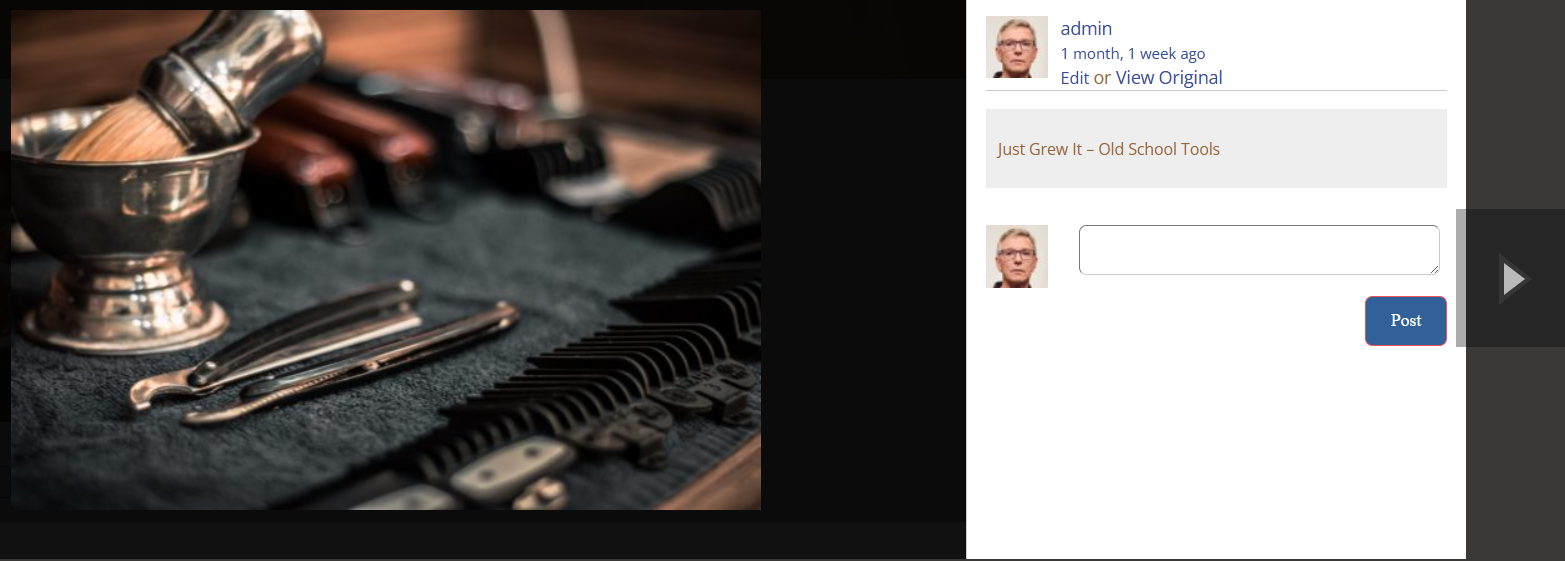
Add View Original Link to MediaPress Lightbox
Find the file: /wp-content/plugins/mediapress/templates/mediapress/default/gallery/media/views/lightbox/media-info.php Create a folder in your theme/sub-theme called: /wp-content/themes/[theme_name]/mediapress/default/gallery/media/views/lightbox (where [theme_name] is the name of your theme/sub-theme. Copy the file media-info.php to the new folder in your theme. Edit the file and modify is as follows adding the bolded code:
-
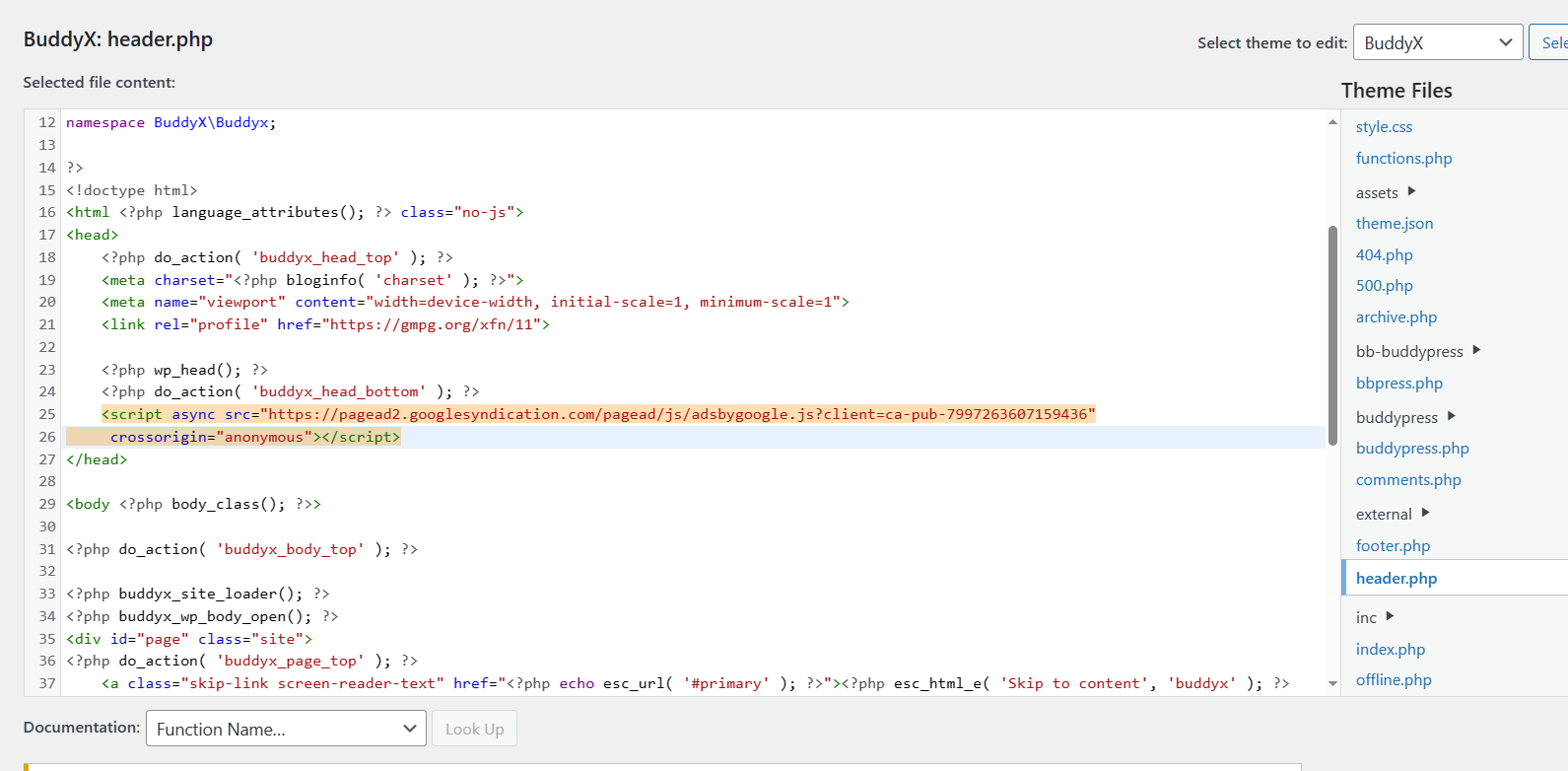
Google Site Kit
Get Ready For Privacy Policy page, go to the Google Adsense Privacy Policy Generator. All of the information can be seen in this video:
Adsense Code Colors Gallery Google Image Just Grew It JustGrewIt Lightbox Mediapress Planet Loser Plugin Setup Skin Wingflap