
Category: Uncategorized
-
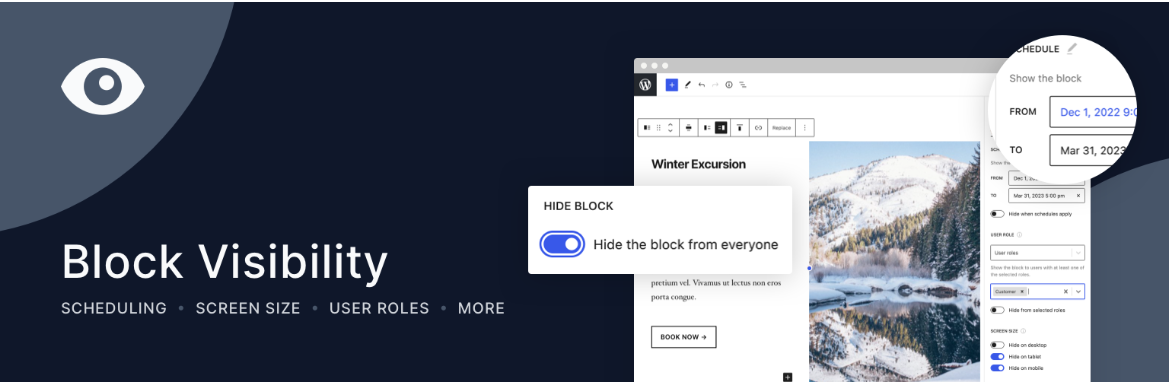
Block Visibility Plugin
Intro This block will allow you to conditionally display blocks from the WordPress editor based on various conditions. One of those conditions is whether or not the user is logged in. This is helpful for Login and Register calls to action. The plugin can be found here.
-
Columns Block Tutorial
Intro Great video about the columns block. With examples of css classes for reversing direction of columns when in mobile. And, also read (or watch the video) for Exploring Block Layout, Alignment, and Dimensions in WordPress.
-
How to Hide Page Titles in WordPress
Maybe you’re not trying to get rid of all your page titles; what if you just want to hide all the page (but not post) titles on your site? In that case, all you need to do is slightly tweak the above CSS code. Just add “.page” in front of the code. For instance: This…
-
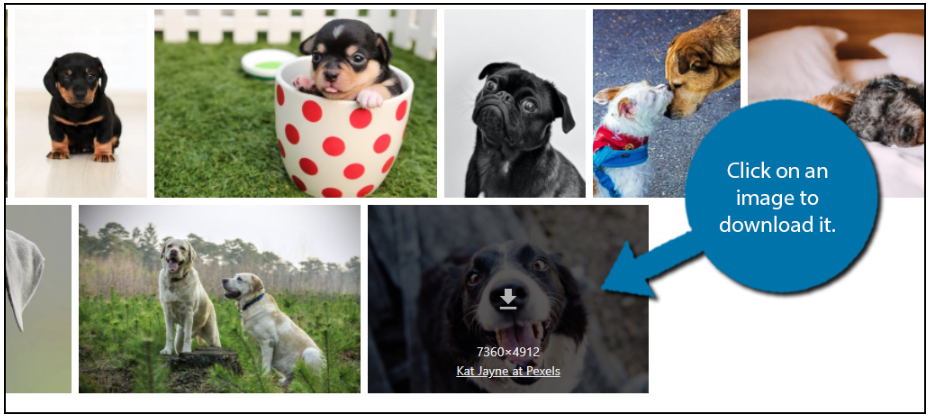
Pexels: Free Stock Images
Use this plugin to add stock images to WordPress Pexels: Free Stock Images plugin. Pexels: Free Stock Photos is an excellent choice for any website looking for a free option to find free WordPress images. The plugin allows you to download from its vast library of images and upload them to your website. As a result,…
-
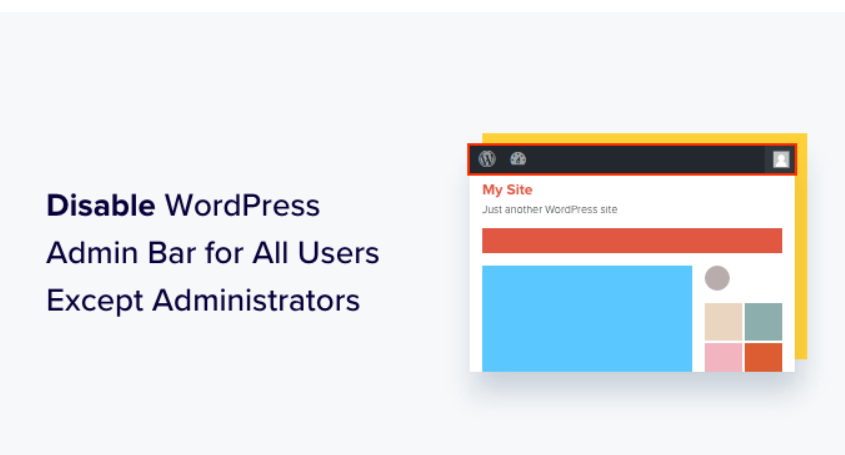
How To Hide Toolbar From Non-admins
Intro It would be nice to be able to hide the toolbar from non-admin users to clean up the site look and if the user would never have any need to be on the back end. The information here comes from here. Setup The article wants you to use the WP Code plugin. I’m pretty…
-
Limit Dashboard Access
Intro By default, all logged in WordPress users have at least some access to the dashboard. In order to prevent anyone but admins to the dashboard, there are steps you can take. Background There is an article here which gives several different methods of selected access to the dashboard. Limit Access via Code To block…
-
MediaPress – Add User/Group Name to Gallery Title
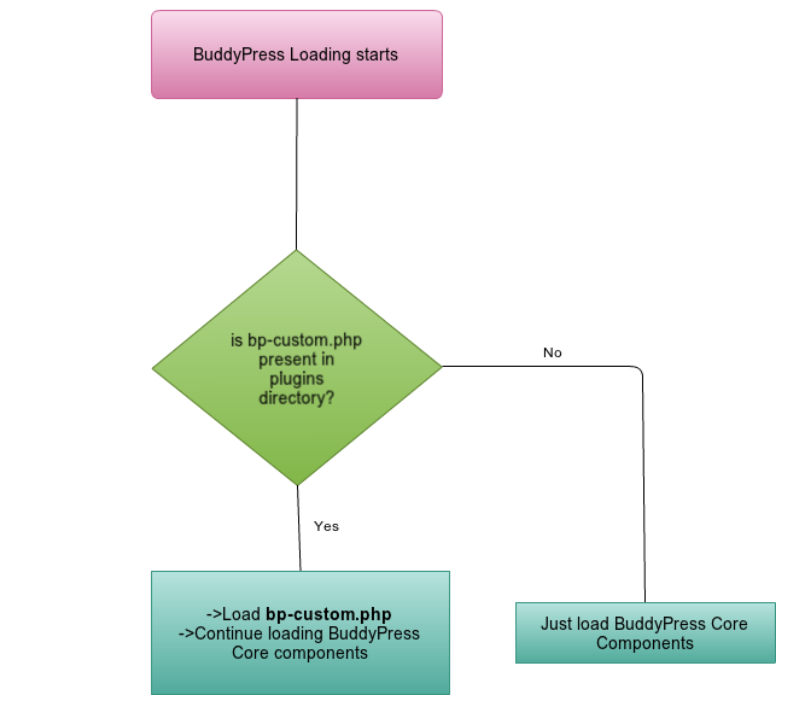
Intro In MediaPress, the Sitewide Gallery displays the Gallery names under the thumbnails. When a user submits a photo via the Activity Feed, the album is named “Wall Gallery” This fix will append the User or Group name so that it will be “[username]’s Walll Gallery”. Pre-requisites You can put this code in ‘bp-custom.php’ file.…
-

Add WP-Like button to MediaPress
Intro The following is to add a Like Button to the MediaPress Single Image page as well as to the lightbox image that shows up. Installation In your Theme file’s functions.php file, add the following code: Note This adds a separate Like button to the Single Media Page and to the Lightbox. So, If someone…
-
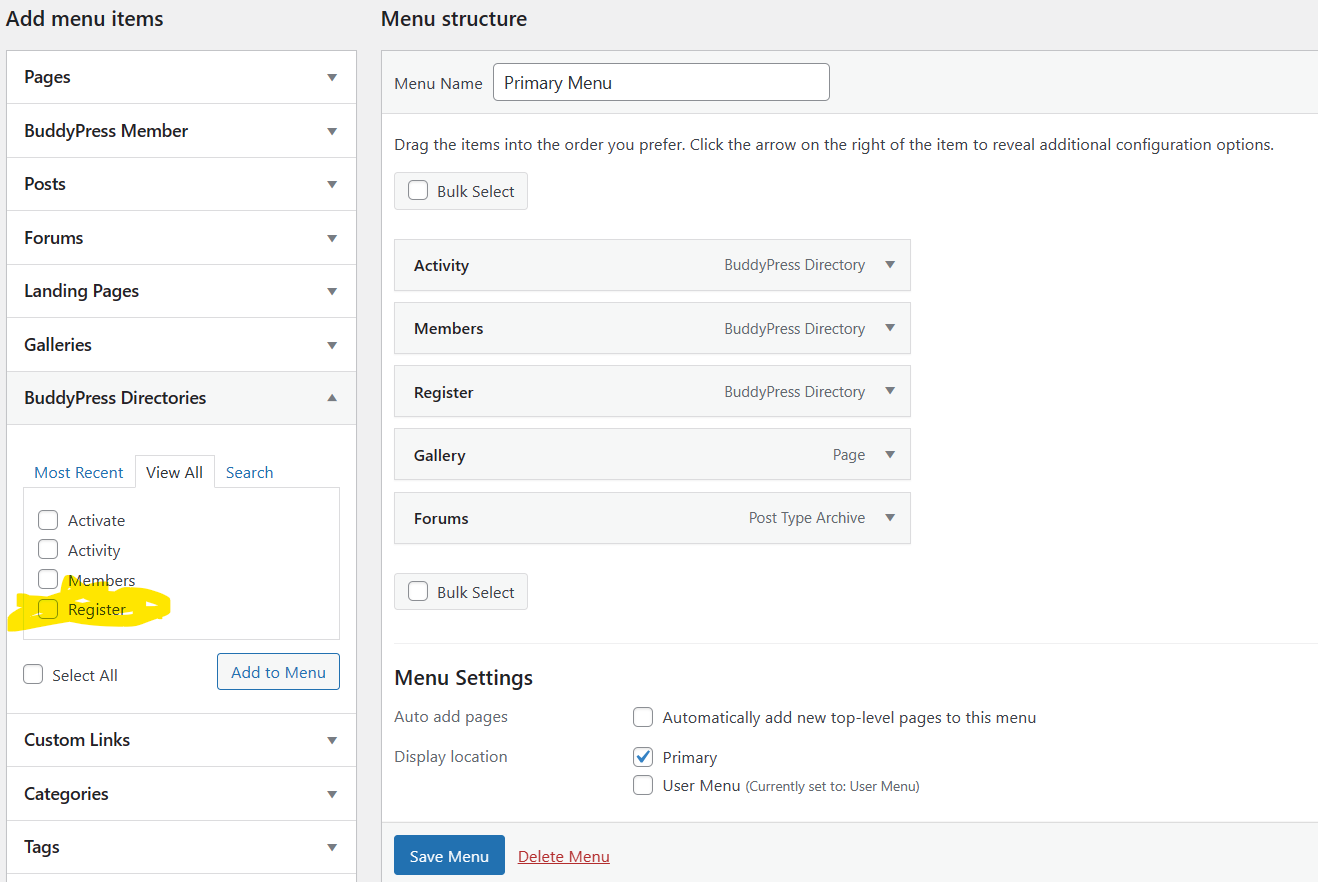
User Registration with Admin Moderation
Intro If you’re using BuddyPress and want to have all User Registration require Admin approval, there are a few steps you must take. Setup
-
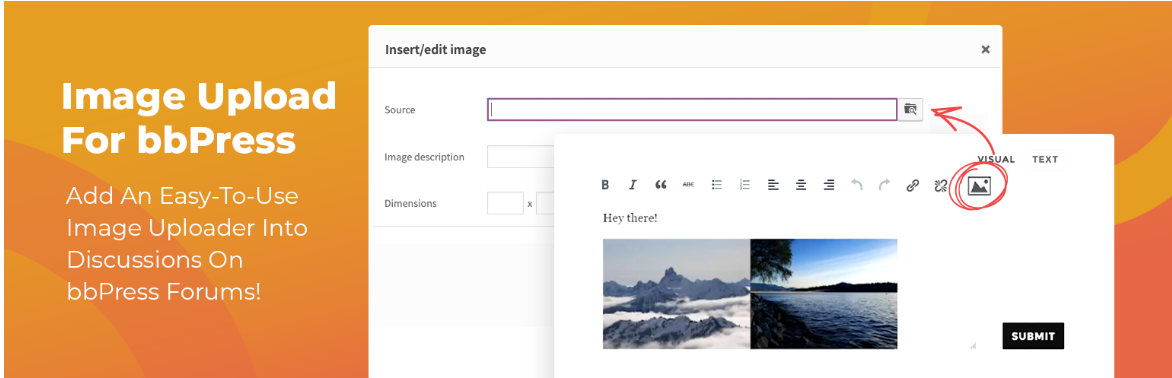
Inline Images in bbPress Forums
Intro Use the pluggin Inline Image Upload for BBPress to add an upload button to the Image button on the TinyMCE editor for BBPress Forums. Installation Simply install and activate the plugin. No settings required. Use
Adsense Code Colors Gallery Google Image Just Grew It JustGrewIt Lightbox Mediapress Planet Loser Plugin Setup Skin Wingflap