
Intro
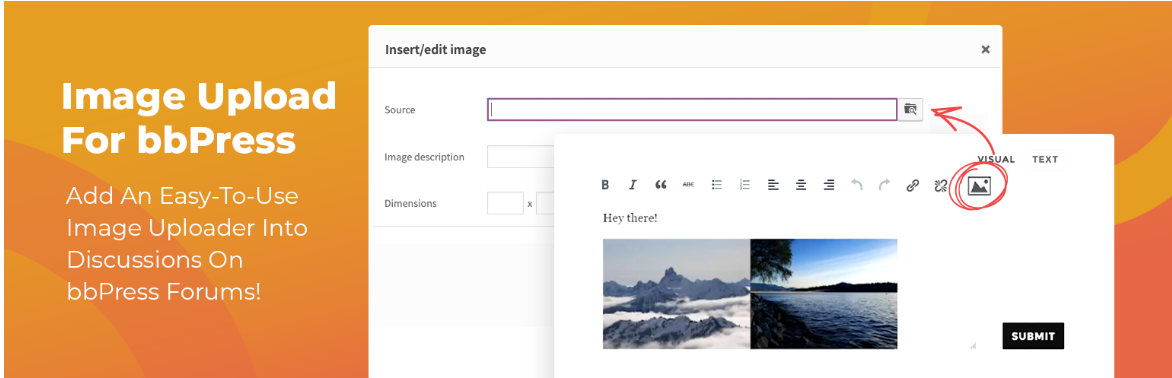
Use the pluggin Inline Image Upload for BBPress to add an upload button to the Image button on the TinyMCE editor for BBPress Forums.
Installation
Simply install and activate the plugin. No settings required.
Use
- Click the image button in the editor.
- Click the ‘camera’ image in the image dialog box.
- Select the image from your device.
- Upload the image.
- Resize it and set alignments to make it fit.
Leave a Reply