
Category: Uncategorized
-
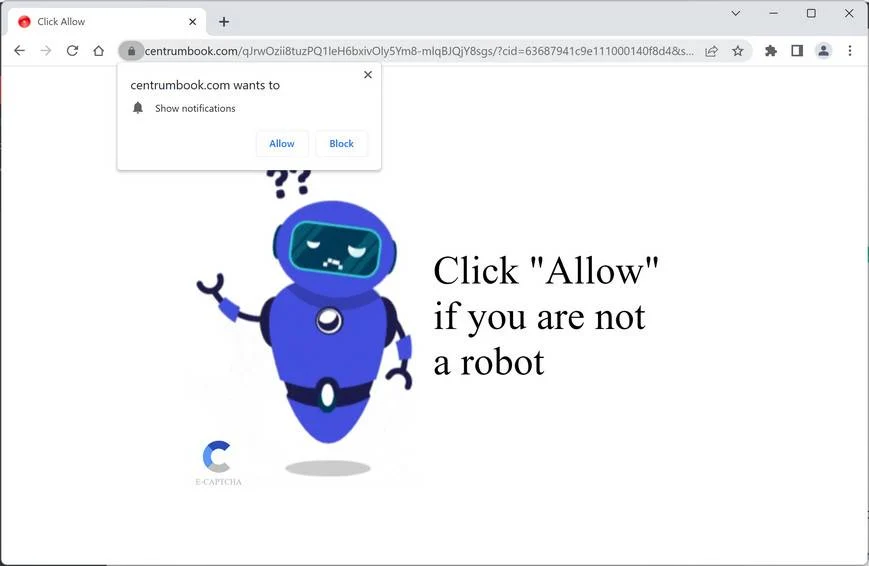
The “Click Allow To Verify That You Are Not A Robot” Scam
The potential fix for this can be found here.
-
Change Header Logo Size in BuddyBoss
Original Article By default, the platform does not have this option. You can use the following CSS code. Please follow the steps below: 1. Go to BuddyBoss – Theme Options 2. Under Custom Codes, enable CSS 3. Append the following: CSS 4. Save changes. NOTE: Use this instead In Appearance/Customize, Open…
-
Lightbox for Gallery and Image Block
This WordPress Plugin adds a simple & lightweight Lightbox to the standard WordPress Gallery & Image Block. It detects if a post contains a Gallery or Image Block and then loads & initializes baguetteBox.js, a pure JavaScript Lightbox script without any dependencies and a modern minimal look. There is no lock in effect. It does not…
-

To Top Plugin
This is a plugin to display an arrow to allow you to go back to the top of the page. Install Install the plugin from Here or search for “To Top” in the Add Plugins Admin section. Click Intsall and then Activate. Configure Go to the Admin Dashboard and find To Top Settings. Click this,…
-
Custom Login Page
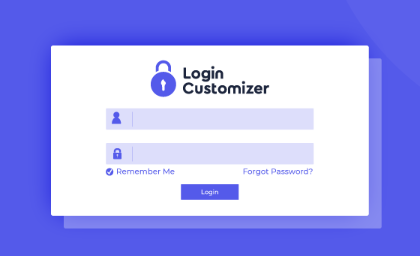
Creating a custom login page is easy. Just download the Custom Login Page plugin and follow the instructions. Set Up The Plugin Go to the dashboard and click Login Customizer. Then click Settings which will bring you to the Settings page. Next to Login Order, select the option for Both Username and email Address to…
-
My Private Site
My Private Site is a WordPress plugin to secure your site so that only logged in members can see content on the site. The plugin can be found here. Install the plug in and then look for My Private Site on the Dashboard sidebar. Set The Site to Private Once in, click the Site Privacy…
Adsense Code Colors Gallery Google Image Just Grew It JustGrewIt Lightbox Mediapress Planet Loser Plugin Setup Skin Wingflap